Embroidery guide
How to get a great looking logo hat
Embroidery is thread, not ink. That's what gives it a rich, textured, premium look, and it's also why some designs need a little help before they stitch well. Here's what works, what doesn't, and what to know if your logo was made with AI.

What stitches well
Bold, simple shapes
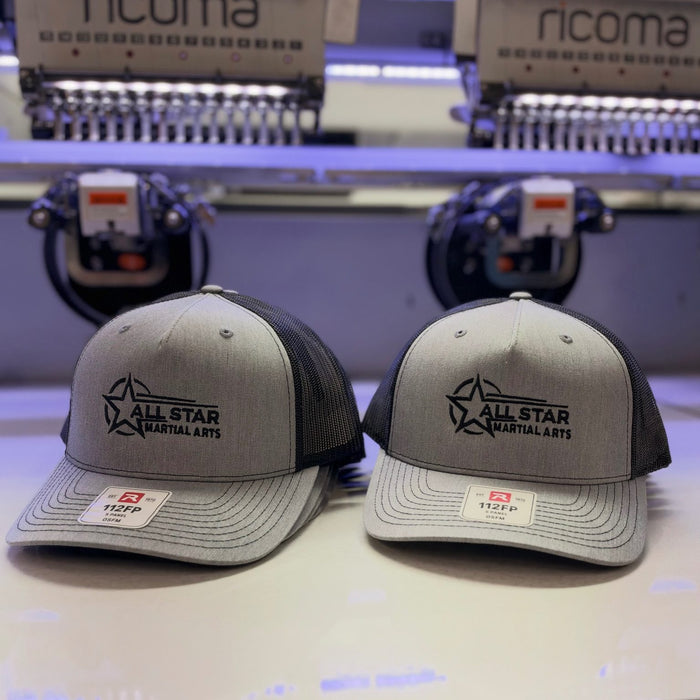
Clean outlines, solid shapes and thick lines. Think strong icons, initials and simple marks.
Text about 1/4 inch tall or bigger
Short words in a clean, simple font read best. Very thin or tightly packed fonts can blur together.
Solid colors with contrast
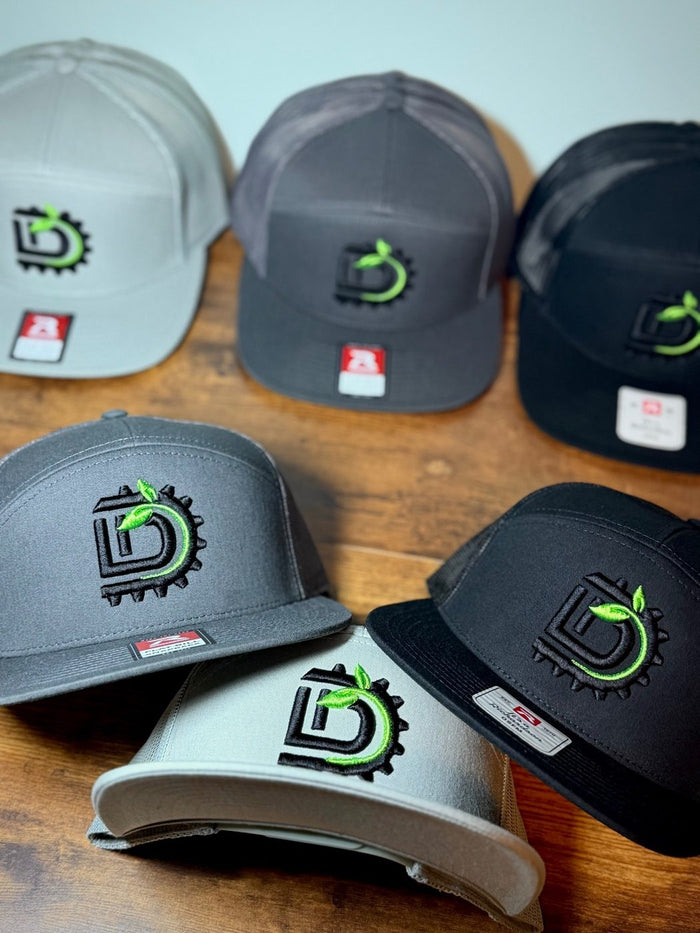
Thread comes in solid colors. A few strong colors that stand out from the hat look cleanest.
Room to breathe
A little space between details keeps stitches crisp instead of crowded.
What doesn't stitch well
Photos and realistic art
Thread can't recreate a photograph, soft shading or realistic textures.
Tiny text and hairlines
Fine print, thin outlines and small details can disappear or turn fuzzy at hat size.
Gradients, glows and shadows
Smooth color blends come out as stripes or blotches in thread.
Busy illustrations
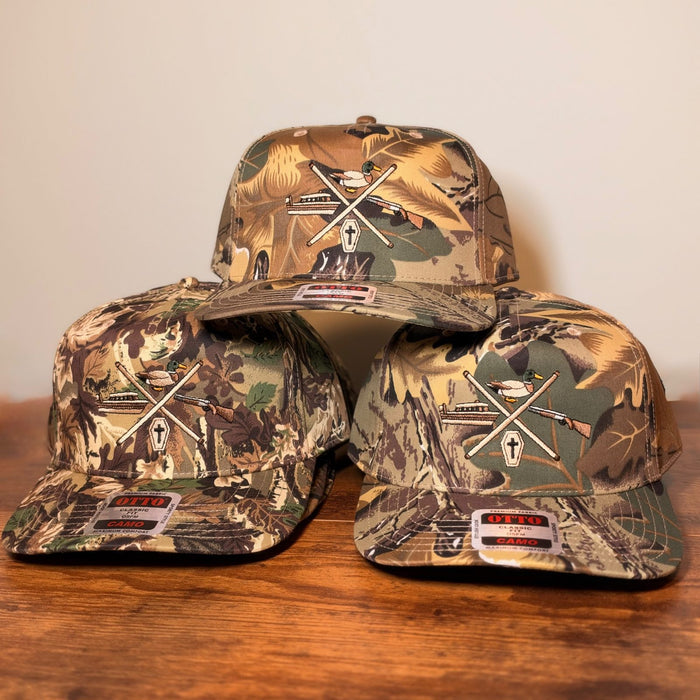
Lots of detail packed into a small space, like skylines or blueprints, gets lost.
Detailed logo? Try a leather patch. Our laser engraved leatherette patches hold fine lines and small text far better than thread, and they give a clean, premium look. See leather patch vs embroidered hats.
Using an AI-generated design
AI tools are great for ideas, but the images they make usually aren't ready to stitch as they are. Every AI design we get is reviewed by our design team before production.
Why AI art can be tricky:
- Shading and gradients. AI loves soft blends and glows, which thread can't reproduce.
- Too much detail. Tiny textures and busy backgrounds vanish at hat size.
- Messy lettering. AI often warps letters or makes up words. Double-check every word.
- Fuzzy edges. Most AI images are low resolution, so shapes have to be redrawn before digitizing.
How to ask for an embroidery-friendly design:
- Ask for a flat, simple vector-style logo with 2 to 4 solid colors, bold shapes and thick outlines.
- Say no gradients, no shadows and no 3D effects, on a plain or transparent background.
- Keep text short and blocky, or leave it off and tell us the words. We'll set them in a clean font.
Send it either way. If it needs to be professionally recreated into a production-ready file, we'll tell you and quote any fee before anything is made. Standard digitizing is still free. Please make sure you have the rights to use the design.

Files, colors and placement
What file to send
- Best: a vector file (AI, SVG or PDF).
- Also fine: a sharp PNG or JPG, ideally on a transparent or plain background.
- Up to 10 MB per file, one file per location.
- No file yet? Order anyway and email it to help@threadbreak.com.
Colors and placement
- We match thread colors to your logo unless you tell us otherwise. Tone-on-tone looks great too.
- Fewer colors usually look cleaner on a hat.
- The front logo is included. Sides and back are available as add-ons.
- We size your logo to fit the hat and show it on your free mockup.
Digitizing, turning your logo into a stitch file the machine can read, is free on every order. Learn more in how to get your logo ready for hat embroidery and 3D puff vs flat embroidery.
What to expect
Your mockup shows size and placement. Within 48 hours of your order, we send a digital mockup showing how big your logo will be and where it sits on the hat. It's a preview of the layout, not a photo of the finished hat, so thread texture and exact shades will look a little different in person.
Small differences are normal. Embroidery is thread stitched into fabric by a machine, so these aren't defects:
- Thread colors can look a little different in person than on your screen.
- Stitches have a raised, woven texture a flat mockup can't show.
- Every hat is hooped by hand, so placement can shift slightly from hat to hat.
- Mesh, nylon, corduroy and performance fabrics take stitches a bit differently, which can change how dense a design looks.
Some designs need adjusting. Depending on your logo, we may simplify small details, thicken thin lines, resize it, adjust the stitching, or suggest a leather patch or a different hat. You'll see every change on your free mockup before anything is made, and we always aim to keep your logo looking like your logo.